Fujifilm Apeos
Fujifilm Apeos print security
Encrypted storage, signed firmware, sign-in before anything prints, and a log of who did what. J2 sells, configures, and services Fujifilm Apeos multifunction printers in Oregon and Washington.
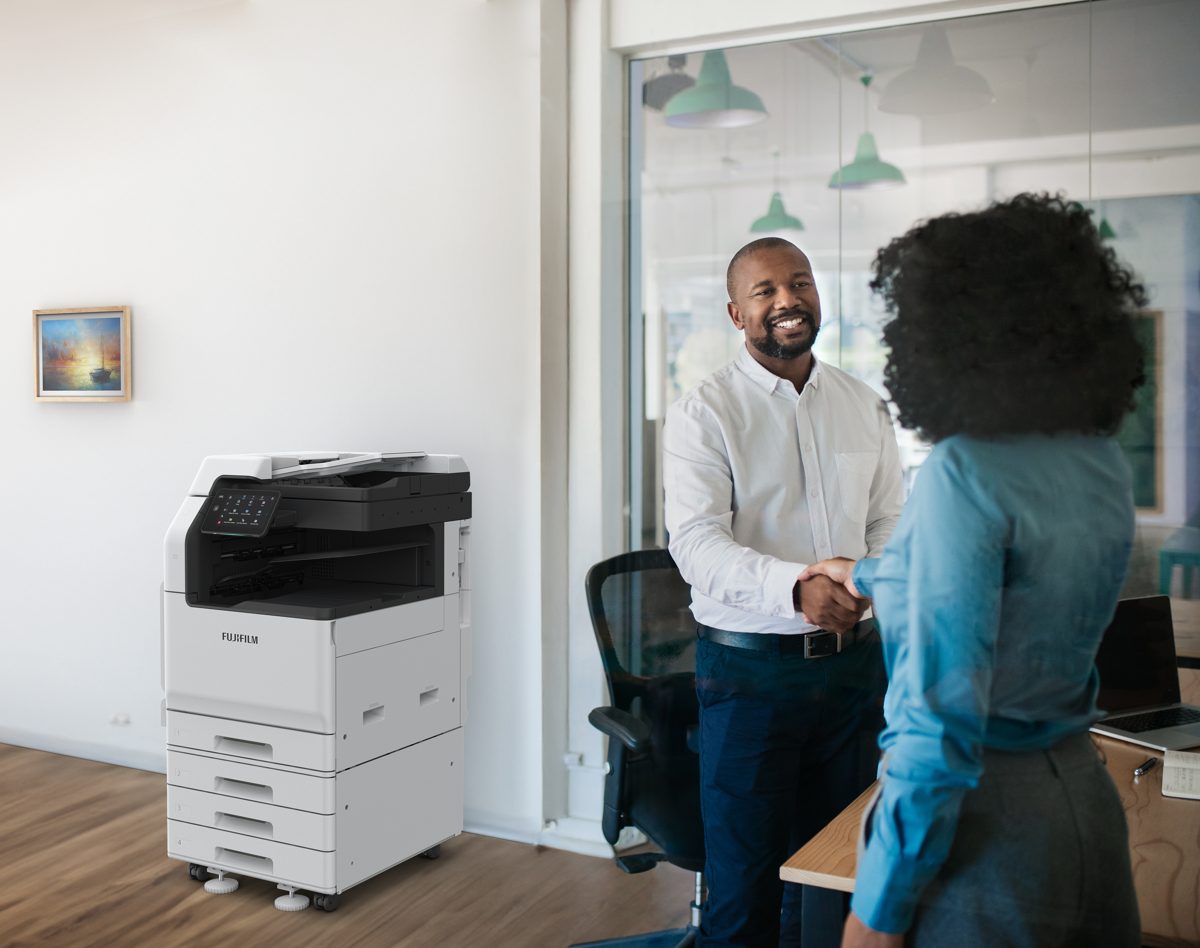
Most offices lock down PCs and leave the copier open. An Apeos device can be set up so nothing prints, scans, or leaves the machine without a known user, and nothing stays on its storage after the job. We turn those features on, set them with you, and keep them that way.
What's built into Apeos
On the device
Certified, not just claimed
Both current Apeos office lines are Common Criteria (ISO/IEC 15408) certified against the Protection Profile for Hardcopy Devices:
Apeos C3060 / C2560 / C2060: certificate JISEC-C0801, certified 12 December 2023.
Apeos C7070 / C6570 / C5570 / C4570 / C3570 / C3070: certificate JISEC-C0771, certified 17 January 2023.
Certification applies to specific firmware versions in their evaluated configuration. Ask J2 to confirm your model and firmware match, and we'll set it up that way.
What we do
Set up sign-in, Private Print, encryption, and overwrite on delivery
Configure TLS, certificates, and audit logging with your IT team
Keep firmware current and settings from drifting through service
Clear device storage before a machine leaves your office
Who it's for
Medical and dental offices handling patient records, law firms, schools, city, county, and state offices, and finance and accounting shops. Any office that can't leave a copier wide open on the network.
See the Apeos lineup
Browse our Fujifilm copiers.
Ask about a secure Apeos setup
Tell us what's on your floor and what you need to protect. We'll recommend the model and the settings.
J2 Business Systems, 8100 NE St Johns Rd #B101, Vancouver, WA 98665